
Download Expense Manager – expense tracker, budgeting app, finance management, personal finance, spending tracker, money tracker, financial planning
Overview
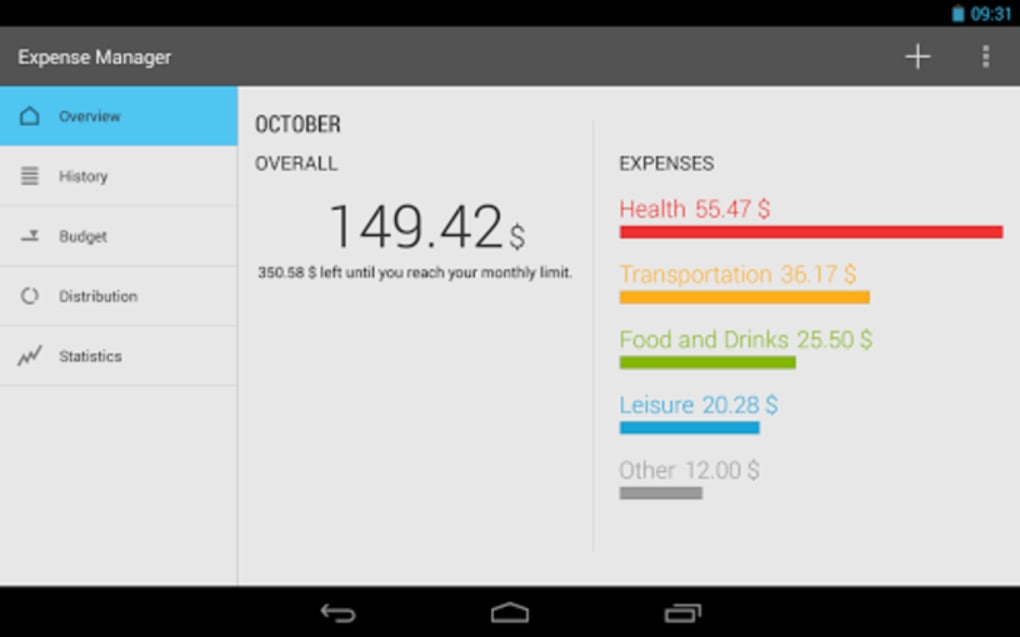
Expense Manager is a free Android application designed to simplify personal finance tracking for individuals seeking better control over their spending habits. Developed by Markus Hintersteiner, the app enables users to log daily expenses with ease, categorize transactions, and gain insights into their financial behavior over time. Its primary purpose is to support users in managing monthly budgets, setting spending limits per category, and monitoring financial performance across different timeframes—such as weekly, monthly, or yearly intervals.
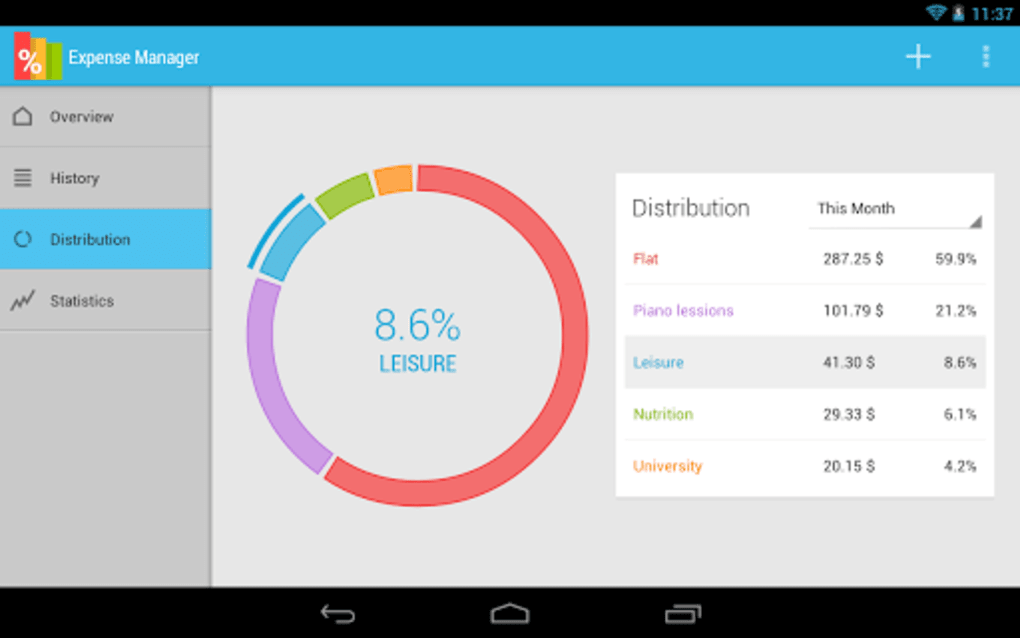
The app is particularly suited for consumers and individuals managing personal finances without the need for complex financial tools. Real-world usage scenarios include tracking grocery expenses, monitoring utility bills, planning for upcoming purchases, or preparing for annual financial goals. By assigning categories to each expense, users can visualize spending patterns and identify areas where cost reduction may be possible.
The developer did not provide additional details about the app’s development background beyond the name.
Key Features & Capabilities
- Expense Categorization – Users can assign each transaction to predefined or custom categories, enabling structured financial tracking and analysis.
- Monthly Budgeting and Spending Caps – The app allows setting monthly limits per category to help users stay within their financial plans.
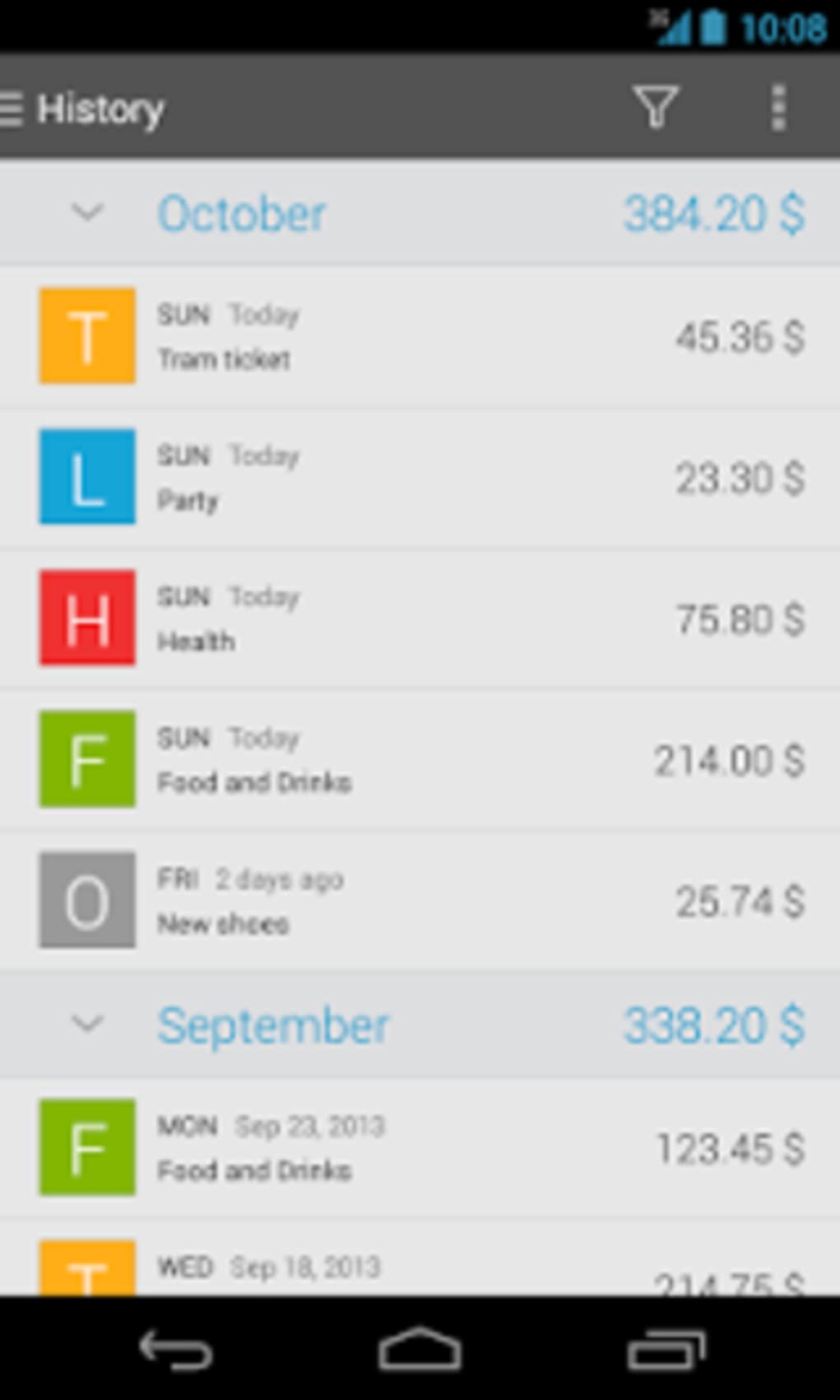
- Time-Based Filtering – Transactions can be viewed and analyzed by week, month, or year, offering flexibility in financial review.
- Backup and Restore Functionality – Ensures data safety by allowing users to back up their financial records and restore them if needed.
- Home Screen Widget – Provides quick access to recent transactions and key financial metrics directly from the device’s home screen.
- DashClock Integration – Offers real-time expense summaries through the DashClock plugin, enhancing accessibility.
- Export to Spreadsheet – Enables users to export their expense records for further analysis or record-keeping in external tools.
- Ad-Free Experience – The app is completely free of advertisements, promoting a clean and uninterrupted user experience.
These features collectively support efficient personal finance management, making it easier for users to maintain awareness of their spending and align their habits with long-term financial goals. The ability to export data to spreadsheets is especially useful for users who prefer advanced analysis or integration with other financial tools.
User Interface, Workflow & Performance
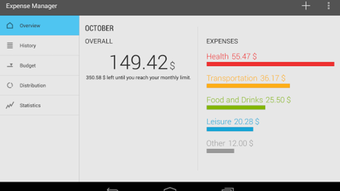
Expense Manager features a straightforward and intuitive interface designed for ease of use. Navigation is primarily based on a clean, tabbed layout that allows quick access to core functions such as adding expenses, viewing reports, and managing categories. The workflow for logging a new expense is minimal—users typically enter the amount, select a category, and optionally add a note.
The app’s design emphasizes speed and simplicity, reducing friction in daily usage. While specific performance details were not provided, the application’s lightweight nature—only 2.5 MB in size—suggests efficient resource utilization. The developer did not specify resource usage details, such as CPU or RAM consumption.
However, based on general software behavior patterns, lightweight applications like this one typically run smoothly on most modern Android devices. Stability is assumed to be consistent given the app’s focus on core functionality and absence of advertisements, which can sometimes impact performance. The app appears to prioritize usability and reliability over advanced graphical features.
Compatibility & System Requirements
Expense Manager is designed for Android operating systems and is compatible with devices running the specified platform. The app version is 2.3.0, with a file size of 2.5 MB, indicating a lightweight installation. The developer did not specify exact system requirements, including minimum Android version or hardware specifications.
Compatibility information was partially provided, and users should verify device compatibility through official app distribution channels. The app does not require high-end hardware, making it suitable for a wide range of Android smartphones and tablets. No additional dependencies were mentioned, and no external services are required for core functionality.
The developer did not provide details about cloud synchronization or network usage, so offline operation is likely the default mode.
Pros and Cons
Pros
- Completely free of ads, ensuring an uninterrupted user experience.
- Lightweight design with minimal storage footprint (2.5 MB).
- Intuitive interface ideal for users new to finance tracking.
- Supports multiple time-based views: week, month, year.
- Offers backup and restore to prevent data loss.
- Includes useful integrations like DashClock and home screen widgets.
- Allows exporting data to spreadsheets for further analysis.
- Enables setting spending caps per category for better budget control.
Cons
- Exact system requirements were not listed.
- No information on cloud sync or cross-device access.
- Platform is limited to Android; no support for iOS or desktop.
- Developer did not provide details on update frequency or future development plans.
- Performance under heavy usage or large datasets was not specified.
FAQ Section
Is Expense Manager available for iOS devices?
Currently, the app is only available for Android. There is no official version for iOS or other platforms.
Can I use Expense Manager offline?
Yes, the app functions fully offline. All data is stored locally on the device, and no internet connection is required for core features.
Does Expense Manager support cloud backup?
The app includes a local backup and restore feature, but there is no mention of cloud-based synchronization or backup services.
Is the app safe to use?
As a free app from a known developer, and with no reported security issues, it is considered safe for personal use. Users should download it from trusted sources like the Google Play Store.
How often are updates released?
The developer did not specify update frequency. Users should check the app store for the latest version and release notes.
Final Thoughts + CTA
Expense Manager delivers a focused, ad-free experience for individuals seeking a simple yet effective tool to track daily expenses and manage personal budgets. Its clean interface, combined with practical features like category-based tracking, spending caps, and export options, makes it a solid choice for users who value clarity and control over their finances. While the app is limited to Android and lacks cloud integration, its lightweight design and core functionality provide reliable performance for everyday use.
It stands out in the crowded personal finance space by prioritizing simplicity without sacrificing essential tools. For those looking for a straightforward, secure, and free solution to monitor their spending, Expense Manager is a strong contender. Download Expense Manager now.





.png)

